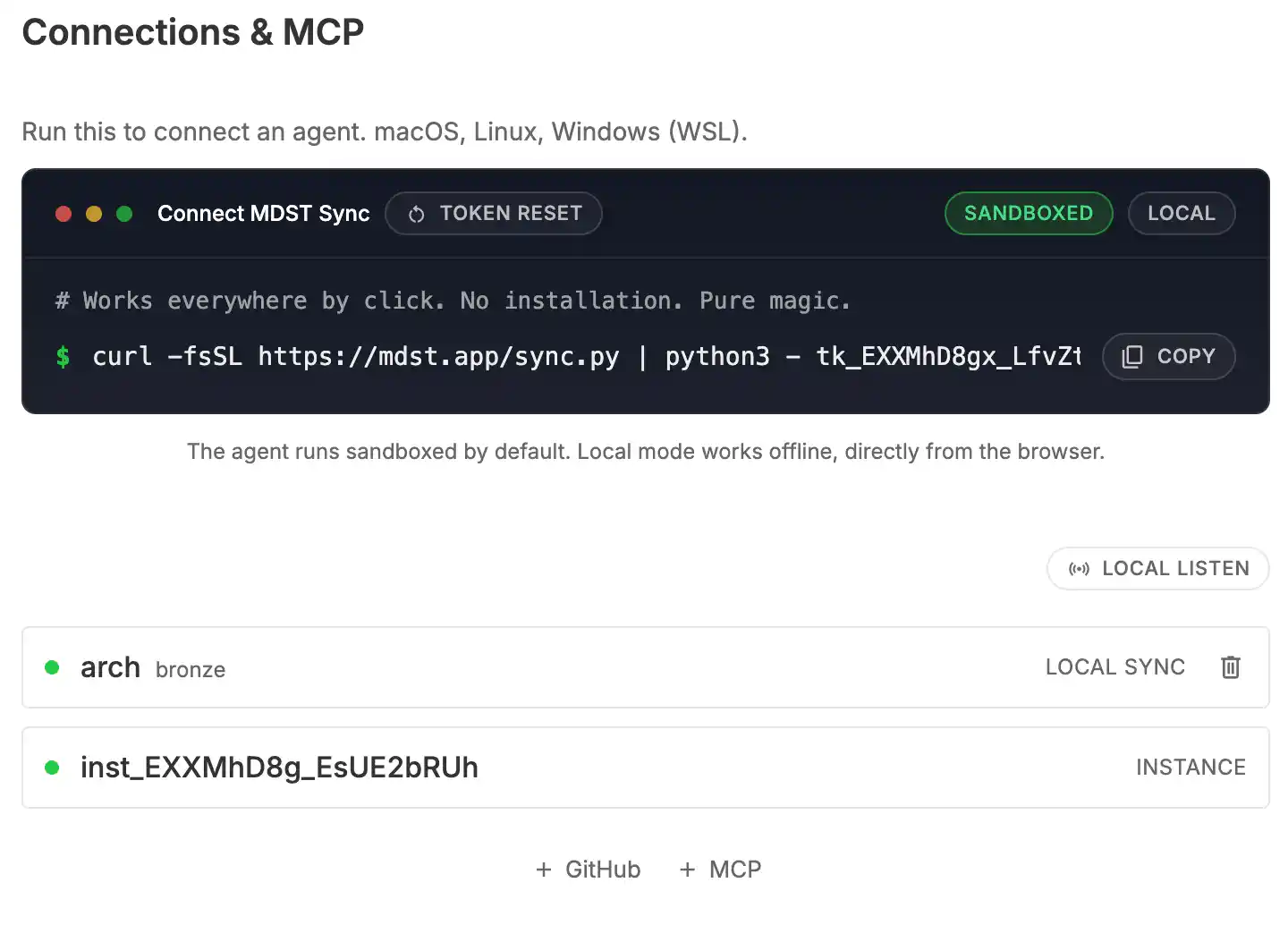
TLDR: MDST Sync lets you connect a folder from your machine to MDST with one copy-paste command. GitHub and MCP are available as separate connections in the same UI. Works on macOS, Linux, and Windows (WSL).
MDST Sync is the folder connection flow in MDST. You open the Connections page, copy the command, run it in the folder you want to expose, and that folder becomes available in your workspace while the process is running.
This one-liner is for a folder connection, not for every integration at once. If you want to connect GitHub, you add it separately in Connections with a token, repository, and branch. MCP servers are added there as well.
The same command works on macOS, Linux, and Windows (WSL). Remote mode connects the selected folder to MDST. Local mode keeps the connection on localhost, which is useful when you want the agent available only on the current machine.
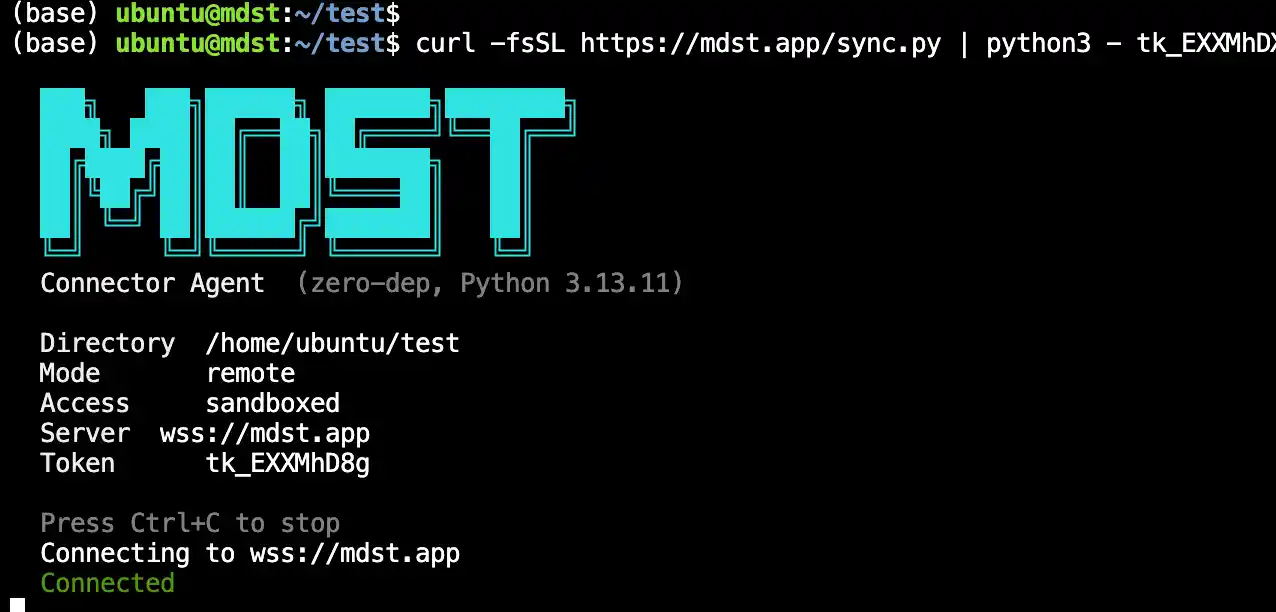
The agent runs from your current shell and stops when you close it. On Linux, sandboxing uses firejail when it is available. In MDST, you can also toggle between sandboxed and full access mode before copying the command.
We welcome everyone to try it. Sign in for free, open the Connections page, pick the mode you want, and run the command in the folder you want to connect. Then tell us what source should be connectable next.